
Book your free demo now!
Fill in your details and our team will get you started.
Enter your Email ID
Share your email ID and we'll get in touch to help you out

Trusted By 75,000+ merchants
The Next-Gen POS Billing Software for
Restaurant Operations
Managing a restaurant means juggling dozens of tables, a live kitchen, multiple order channels, and a line of hungry guests, all at once. Turn every meal into a memorable experience for your customers. QueueBuster brings it all under one powerful billing and restaurant management software. From lightning-fast billing at the counter to real-time kitchen coordination, QueueBuster keeps your restaurant running at full speed, even during your busiest lunch and dinner rushes.





Book your free demo now!
Fill in your details and our team will get you started.
Enter your Email ID
Share your email ID and we'll get in touch to help you out
Trusted By 75,000+ merchants
Sizzling Features of Billing Software For Restaurants!

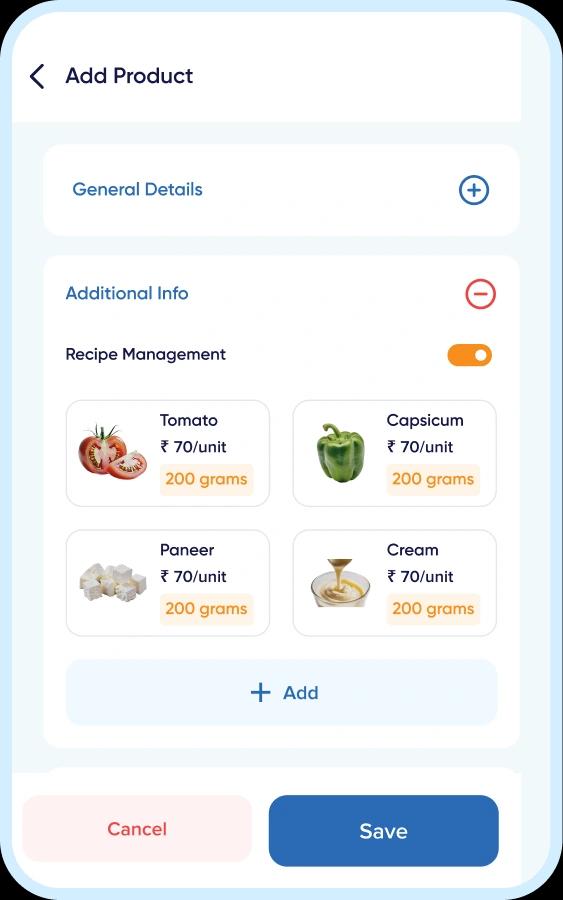
Your Recipes. Your Costs. Your Control.
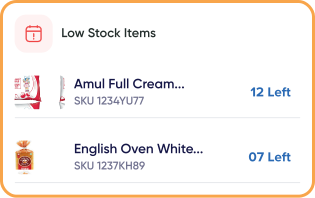
QueueBuster's Recipe Management gives you complete visibility into what goes into every item you sell, down to the gram. Link ingredients to menu items, set standard portion sizes, and let the system automatically track stock consumption every time an order is placed. No more guesswork, no more month-end inventory surprises, just tight control over your kitchen costs and margins.


Your Menu, Always Accurate and Ready to Sell.
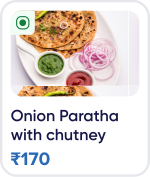
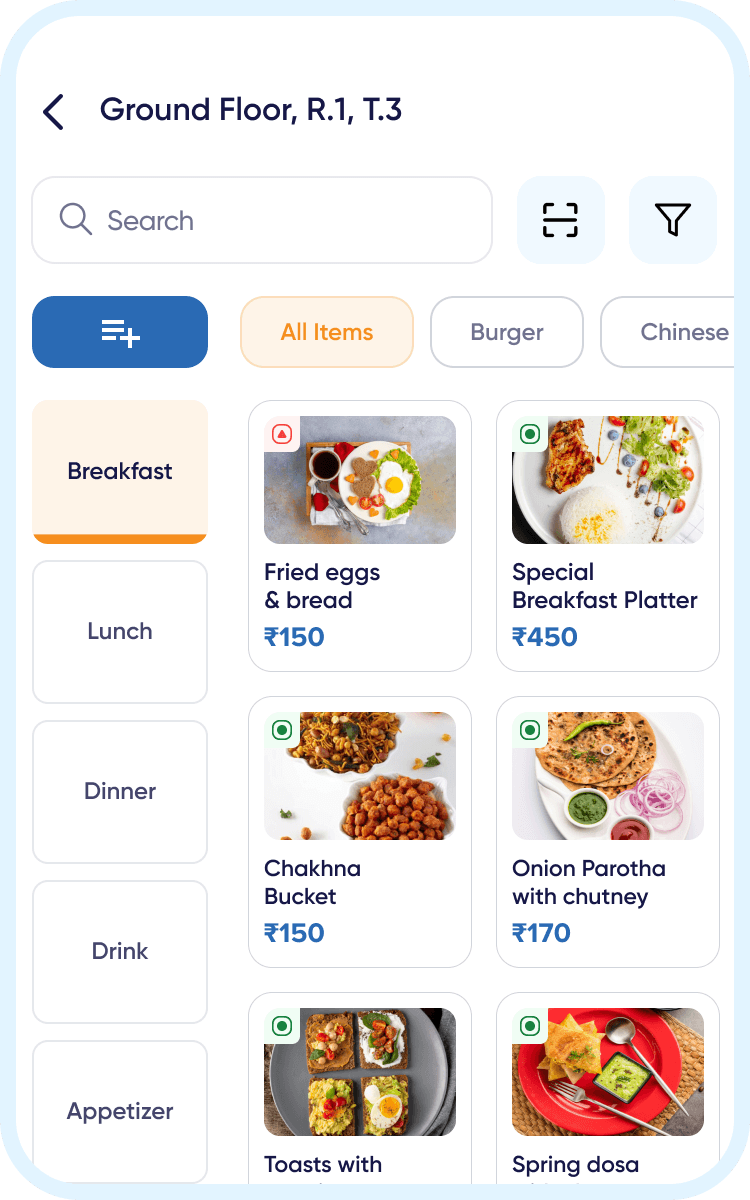
QueueBuster gives you complete control over your menu, from creating categories and combos to managing modifiers, variants, and add-ons. Update items, prices, and availability in real time across every counter and channel without interrupting a single service. Whether you run a single café or a multi-outlet chain, your menu always stays consistent and up to date.

Every Table, Always Under Control.
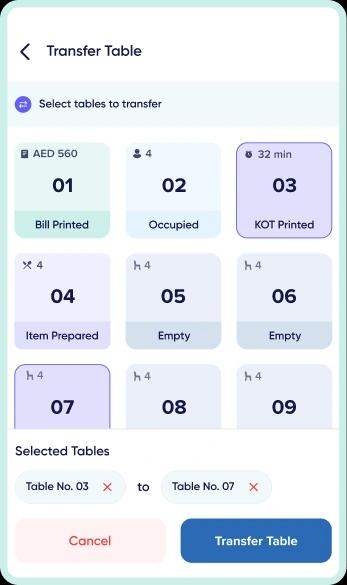
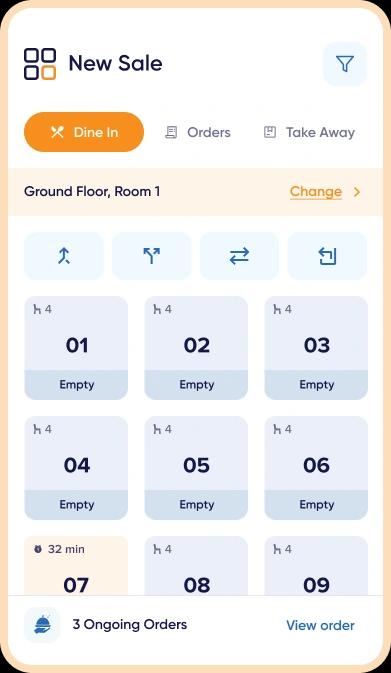
QueueBuster's Table Management gives your floor staff a real-time bird's-eye view of every table in the restaurant, which are occupied, which are free, and which need attention. Seat guests faster, manage covers efficiently, and eliminate the confusion that comes with a busy dining room. Whether you run a single floor or multiple sections, every table is just a tap away.



Turn First-Time Diners into Regular Customers.
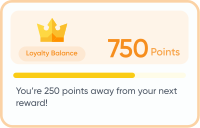
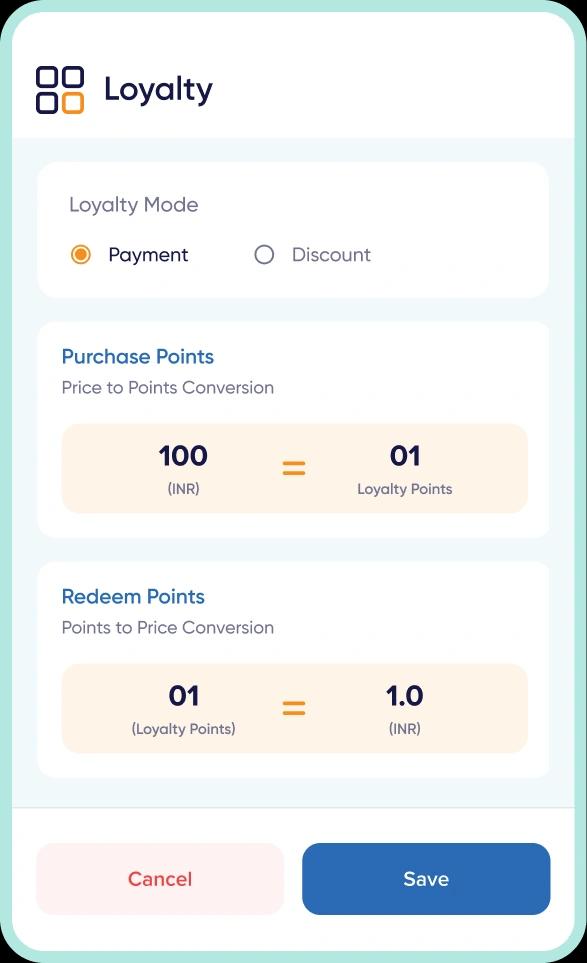
QueueBuster's built-in CRM and loyalty tools help you build meaningful relationships with your guests. Track customer preferences, order history, and visit frequency to deliver personalized offers that bring people back. Reward your regulars, run targeted campaigns, and keep your restaurant top of mind, all from within your POS.


From Table to Kitchen in Seconds.
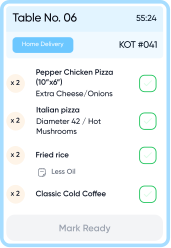
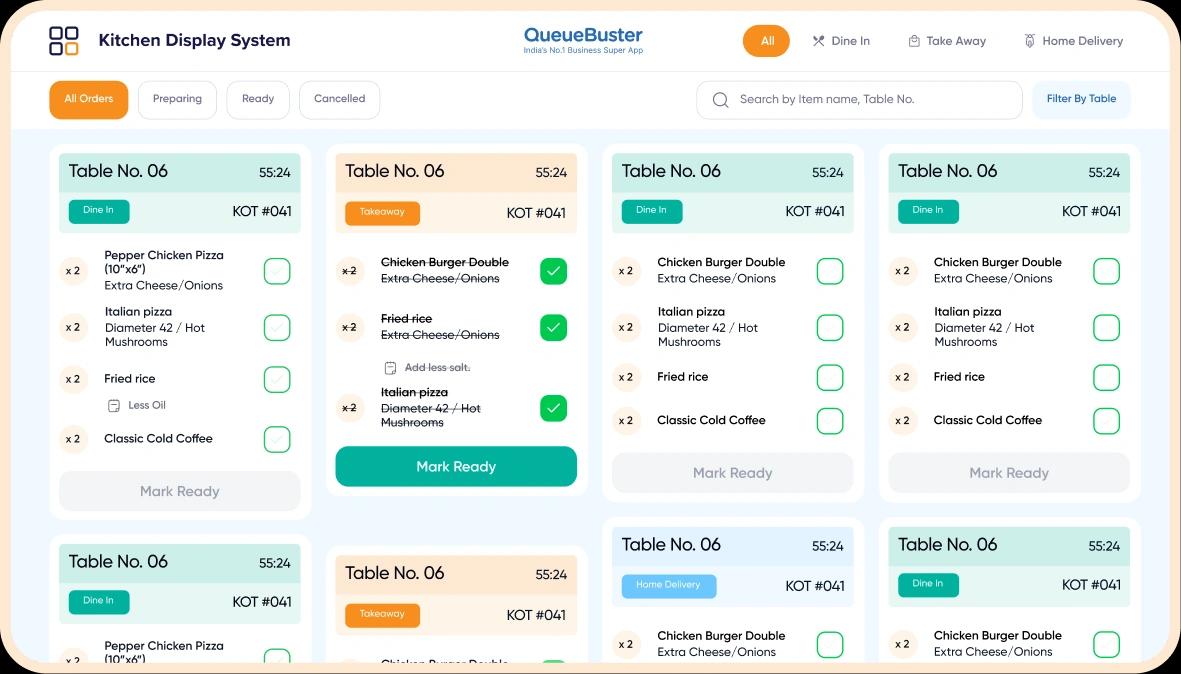
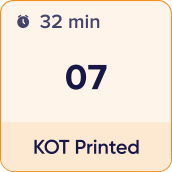
With QueueBuster's KOT system, every order punched at the counter or table goes directly to the kitchen the moment it's placed, eliminating verbal errors, missed items, and unnecessary back-and-forth. Your kitchen team always knows exactly what's cooking, in what order, and for which table, keeping service smooth even when the restaurant is packed.


Centralized order control
Managing a busy restaurant floor means coordinating tables, waiters and kitchen orders all at once, and any gap in communication leads to delays, wrong orders or frustrated customers. QueueBuster's Captain App keeps your entire floor connected in real time, so orders flow from table to kitchen without confusion, and your team always knows exactly what's happening across every section.


Sell and Manage Orders Beyond the Counter.
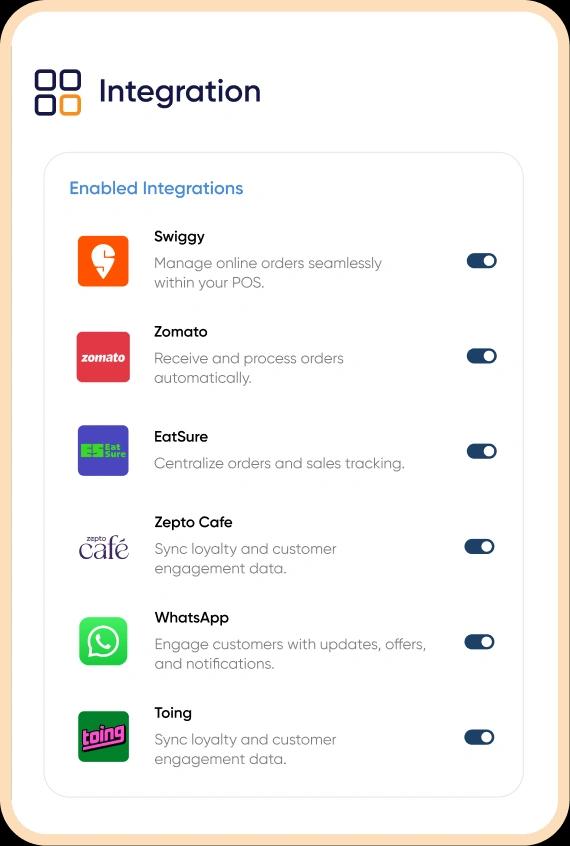
Whether your guests walk in, call ahead, or order on Zomato and Swiggy, QueueBuster's Omnichannel Ordering Hub brings every order into a single, real-time control panel. No duplicate entries, no channel conflicts, no manual reconciliation, just clear visibility across every sales touchpoint. Especially useful for restaurants running cloud kitchen brands or combo deals across multiple platforms simultaneously.


Instant Billing Built for High-Footfall Restaurants
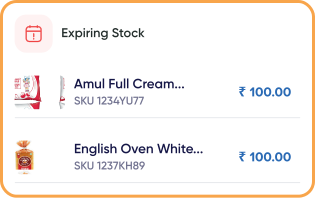
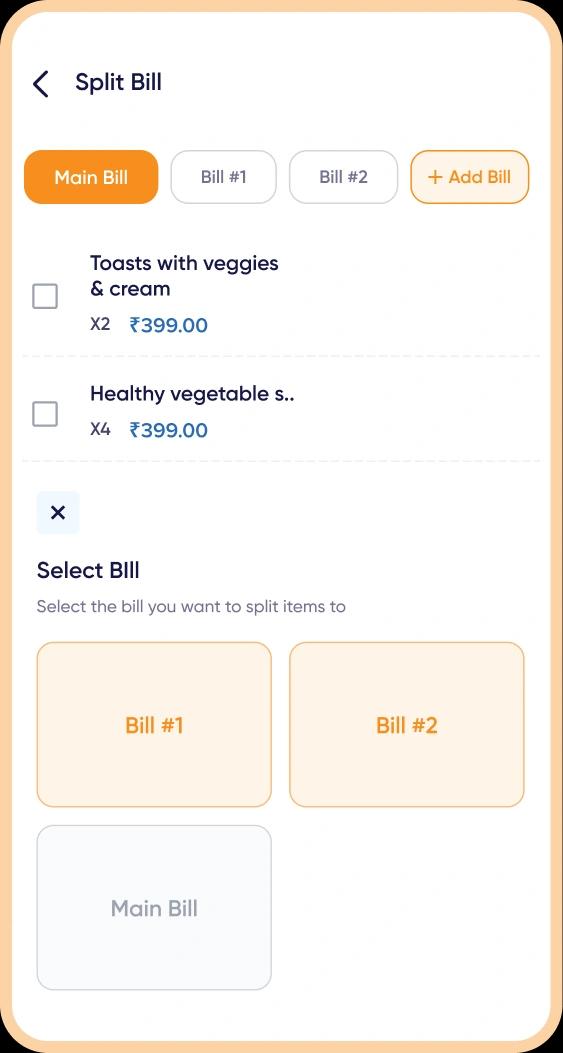
QueueBuster POS is engineered for the fast-paced environment of restaurants, where orders flow in from multiple tables, counters, and channels every minute. The software handles high-volume transactions with zero lag, giving your staff the confidence to punch orders, split bills, and close tables at peak speed without compromising accuracy. Built for busy dining rooms, the intuitive interface lets your team operate from any device, at any corner of the restaurant.

Other Important Features for
Restaurant POS Software
Easily create, edit, and update your restaurant's menu anytime. Add categories, dishes, prices, and descriptions in different languages. Perfect for multi-cuisine and seasonal menus.
Connect your restaurant to delivery platforms, payment gateways, ERP tools, CRM systems and accounting software, all in one place.
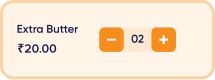
Offer customization and combos to delight your guests. Add extra toppings, sauces, or sides, and create combo meals that make ordering faster and more profitable.
Let customers split bills between multiple people or payment modes. Accept part cash, part card, or wallet payments easily, all in one invoice.
Pause orders during busy service or manage complimentary dishes without billing. Useful for VIP guests or special cases during rush hours.
Run multiple restaurants or branches from one system. Keep menus, pricing, and recipes in sync while tracking performance outlet-wise.
Restaurants Types
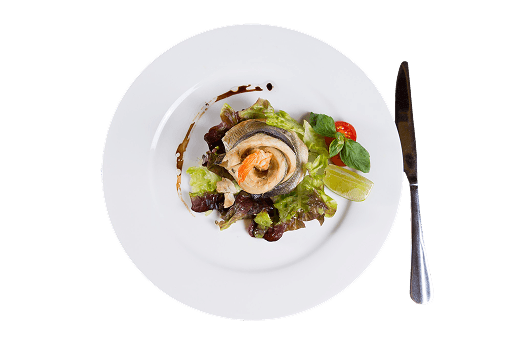
Fine Dine
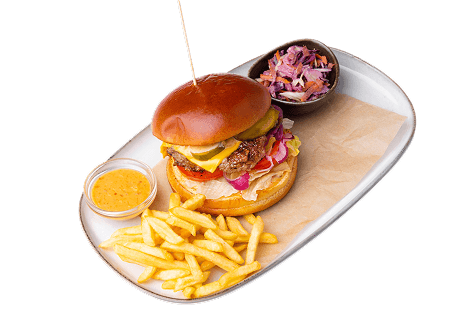
Quick Service Restaurants
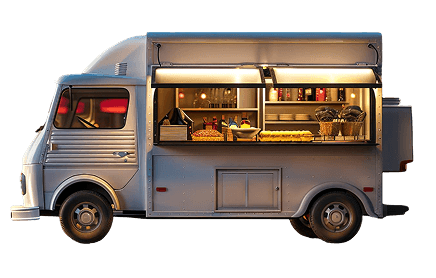
Food Truck

Sweet Shops

Bars & Pubs
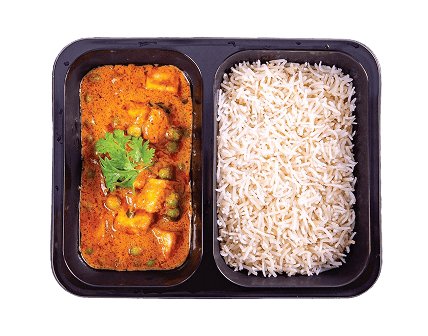
Train Catering
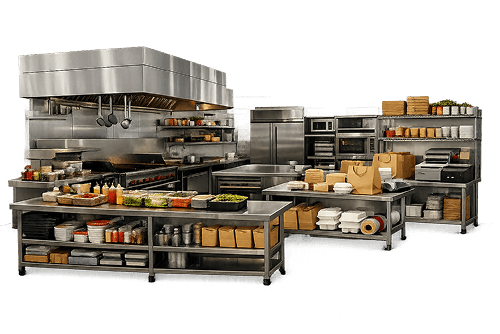
Cloud Kitchen
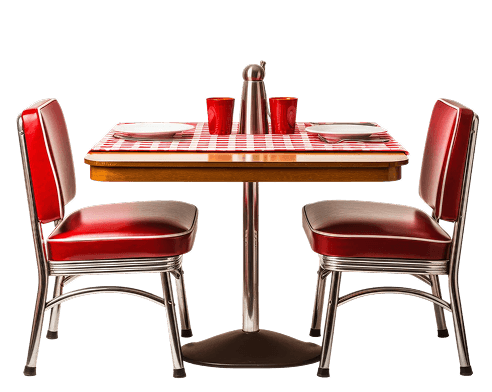
Food Court
Global Recognition, Unmatched Excellence!
Our POS solution is not only empowering businesses but is also garnering global recognition with
its smarter operations and enhanced customer experiences. Trusted by businesses worldwide,we are
strongly committed to their excellence and growth.
Talk to an Expert
Fill in your details and our team will get you started.
Trusted By 75,000+ merchants






Unlock Your Business Potential With QueueBuster
00,000
Merchants
00+
Integrations
00+
Countries
0,000,000+
Monthly Invoices





Contact Sales
Fill in your details and our team will get you started.
Trusted By 75,000+ merchants
So what are you waiting for?
Connect with our enterprise sales experts and get comprehensive POS Solutions
tailored for your large business.
FAQs for Restaurant POS Software
All you need to know about the product and seamless billing
What makes QueueBuster the ideal billing solution for restaurants?
Which restaurant formats does QueueBuster support?
How does QueueBuster handle orders from Zomato, Swiggy, and other platforms?
Can QueueBuster manage multiple outlets from one system?
How does the KOT and kitchen workflow feature work?
View More
Book your free demo now!
Fill in your details and our team will get you started.
Enter your Email ID
Share your email ID and we'll get in touch to help you out
Trusted By 75,000+ merchants
Couldn’t Find What You Wanted?
Worry not, just send us your inquiry and wait while our Restaurant POS
experts contact you.