
Book your free demo now!
Fill in your details and our team will get you started.

Trusted By 75,000+ merchants







Smart Android POS Billing App Enhancing
QueueBuster POS billing app takes on the conventional billing solutions through customizable intricacies and real time insights, enabling faster checkouts on any Android device.
Trusted By 75,000+ merchants

Know The Android Advantage Beyond Point of Sale
- An Android POS billing app provides the convenience of portability, allowing businesses to conduct transactions anywhere, anytime, enhancing customer service and flexibility.
- Android POS billing app offers quick app updates, ensuring businesses have access to the latest features, security patches, and improvements for enhanced performance and reliability.
- Businesses can customize their experience with Android POS billing app, tailoring settings, layouts, and functionalities to suit their specific needs and preferences, enhancing efficiency and user satisfaction.
Talk to us now
How Does It Work

We are more than a POS
Rather, an all-in-one solution creating a tailored experience for your business needs.

Easy Setup
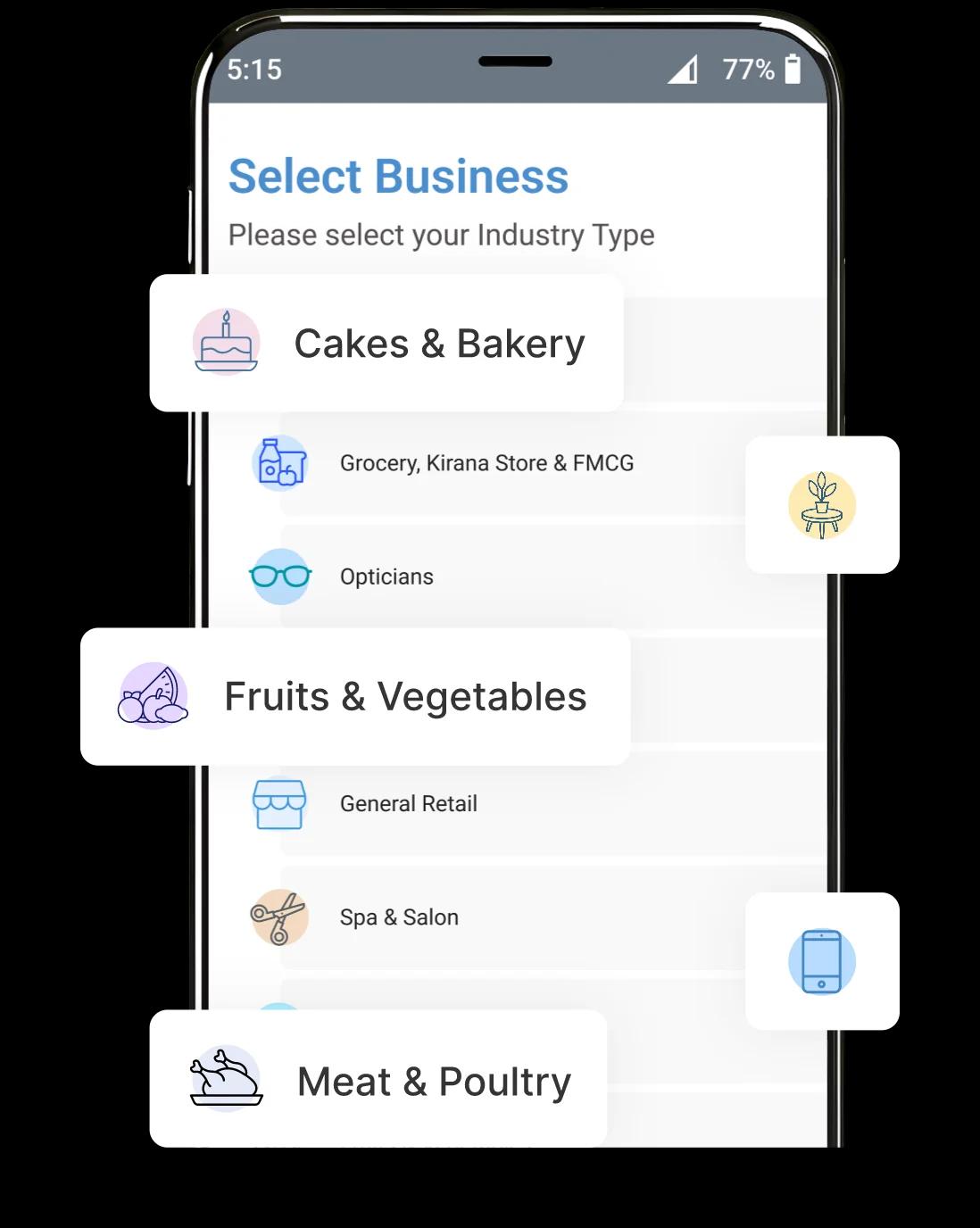
Just download and install the QB POS app, choose your business type and you’re all set to go.

Add Inventory
After setup, add products to your inventory and create your customized catalog.

Start Billing
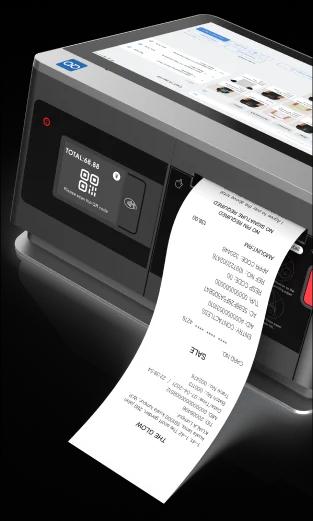
Start creating invoices in just 3 clicks. Print your bills or send an e-bill via WhatsApp or email.

Daily Reports
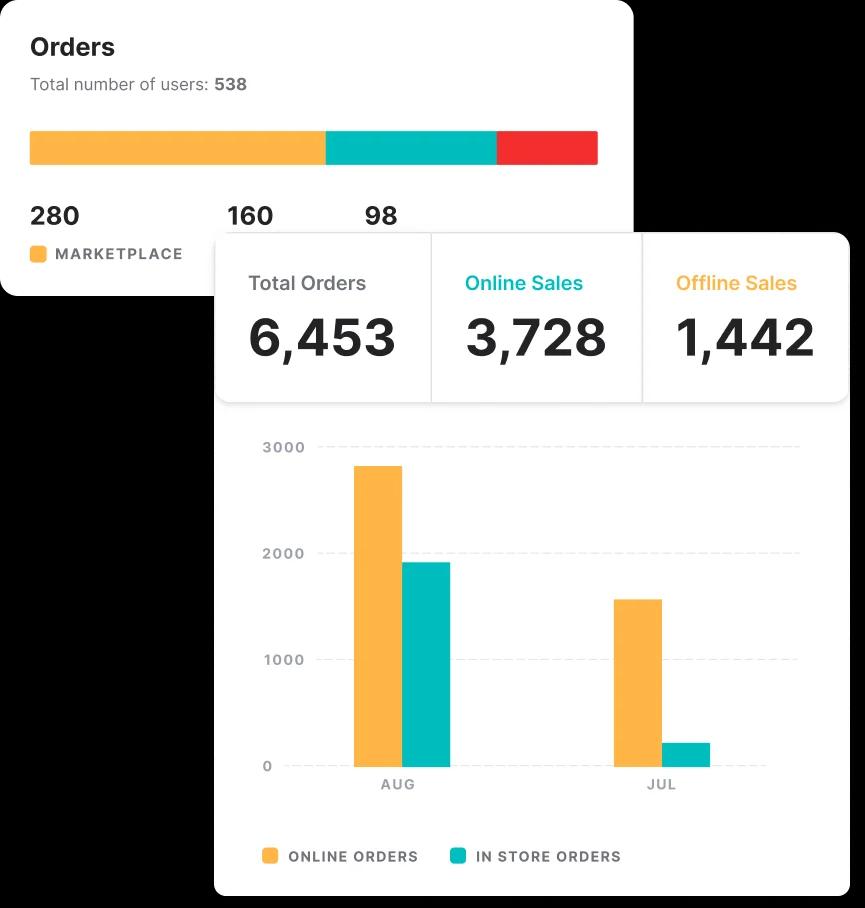
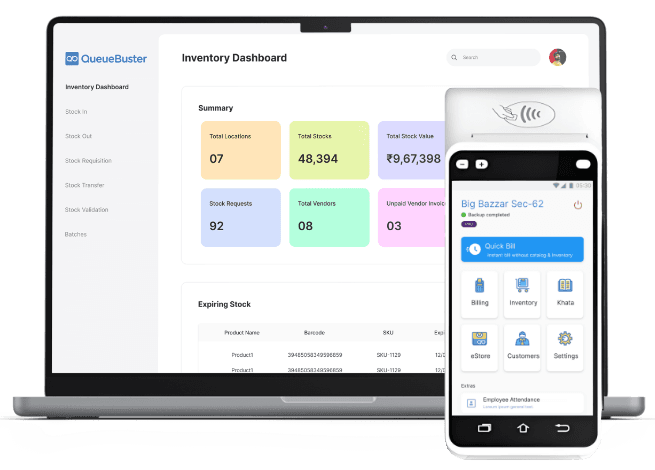
Monitor and keep track of your daily sales along with stock levels.
Boost Your Business with an Android POS System
- Versatile Compatibility
QB POS works seamlessly with any Android device or peripherals, providing flexibility for different business setups.
- Affordability
QueueBuster can save overhead expenditure as Android devices are generally more budget-friendly than traditional POS machines.
- Intuitive Interface
Manage, monitor and map all your business processes with the most user friendly and versatile interface.
- Mobility
Own the convenience of a Cloud based POS solution right at your finger tips, anytime, anywhere.
Windows VS Android
QueueBuster
Features
Windows-Based Software
Low (Smartphone)
![[object Object]](/assets/androidPOS/hardware.svg)
Cost of Hardware
High (Laptop/Desktop + Peripherals)
Affordable, Scalable Subscription.
![[object Object]](/assets/androidPOS/software.svg)
Cost of software
Expensive, Fixed Cost
Minimal (Android Devices)
![[object Object]](/assets/androidPOS/shelf-space.svg)
Retail shelf space
Bulky (Windows Machines)
Easy, Intuitive
![[object Object]](/assets/androidPOS/ease-of-use.svg)
Ease of use
Complex, Requires Training
Low
![[object Object]](/assets/androidPOS/e-waste.svg)
e-Waste
High
25+ Leading Software
![[object Object]](/assets/androidPOS/integration.svg)
3rd Party Integrations
Limited Integrations
Yes
![[object Object]](/assets/androidPOS/omnichannel.svg)
Omnichannel Software
No
Unlimited (Per Device)
![[object Object]](/assets/androidPOS/users.svg)
Number of Users
Limited
Free
![[object Object]](/assets/androidPOS/cloud.svg)
Cloud Storage
Additional Charge
Low (Smartphone Trial)
![[object Object]](/assets/androidPOS/cost.svg)
Cost of Trials
High Investment
24/7 Free
![[object Object]](/assets/androidPOS/tech-support.svg)
24x7 Tech Support
Limited/Costly Plans
Other Features
Level up your profits with an end-to-end storefront solution tailored to suit any retail business across multiple industries. Get details of what the QueueBuster POS system is capable of to expand your business.

Product Catalog
Manage product catalog with SKU level information on prices, taxes, charges and more.

Reports
Get real-time sales updates and analyze your business with 80+ reports.

Payments
Accept payments through cash, card,online wallets, UPI, vouchers, credit notes, and cheque.

Bulk Data Management
Managing catalog of hundreds of products got easy with our Excel and CSV based bulk upload tools.

Offline Mode
Bill seamlessly when offline. Data syncs automatically when online.

Roles and Permissions
Create unlimited users and manage their roles & permissions through your admin dashboard.

Multiple Currencies
Managing a global business was never so easy. Run your business in any available currency.

Promotions and Discounts
Offer run-time and universal discounts at product level or order level.
Scale Up Your Business With QueueBuster









Partners and Integrations

Software
Hardware
Payment














3 Easy Steps
to Start Your Billing
Our Android-based billing software runs seamlessly on any Android device, be it a mobile phone, tablet, or desktop, tailored to your business needs. Just follow these basic steps with no complex training required, and start managing your business efficiently.
Don't Take Our Word For It!
Trusted Voices.
Proven Impact


Easy Onboarding
QueueBuster POS Billing Software offers a seamless onboarding experience, ensuring a user-friendly and hassle-free transition for businesses.

Tailormade Solutions
Accompanied by tailored features and functionalities, our software ensures a personalized and efficient approach to meeting diverse business needs.

Cloud Backup
Ensure the security and accessibility of your data with QueueBuster Cloud Billing Software's backup feature. Safeguard critical information in the cloud.

Dedicated Support
Experience unparalleled assistance with QueueBuster’s dedicated support. Our committed team is ready to provide personalized guidance, prompt resolution, and ongoing support.
FAQs for Android POS Billing App
What Features Does The Smart QueueBuster Android POS Billing App Offer?
How Does The App Handle Inventory Management?
Can it Process Various Payment Methods Including Credit Cards, Mobile Payments, and Cash?
Does The App Integrate With Other Business Systems Such as Accounting Software or CRM Systems?
How User-Friendly is The Interface For Both Staff and Customers?
View More